
Your Wi-Fi password is the front door to your home network. Having a strong, secure Wi-Fi password is vital because it stops strangers from using your internet bandwidth and slowing down your connection. It also keeps your personal files safe from hackers and stops people from doing illegal things using your connection. Not having a strong password leaves your personal accounts, data, and devices vulnerable to fast, automated hacking techniques like brute-force guessing.
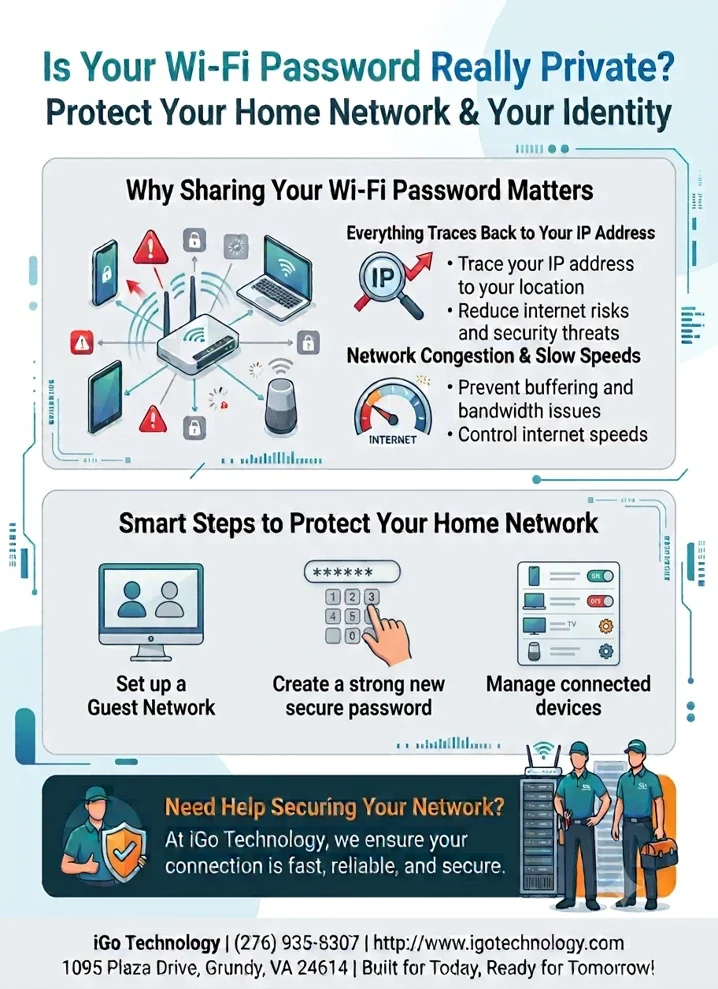
Why sharing your Wi-Fi password matters
Handing out your password to a neighbor, a contractor, or a friend of a friend feels harmless. But every device that joins your network shares your connection, and everything it does looks like it came from your home.
Everything traces back to your IP address
- Your IP address points to your location — Online activity from any device on your Wi-Fi is tied to your household's connection, not to the person who was using it.
- Unknown devices bring unknown risks — A guest's infected laptop or phone can introduce malware, expose your shared files, or give an attacker a foothold on your network.
- Fewer users means fewer threats — Limiting who can connect reduces your exposure to internet risks and security threats.
Network congestion and slow speeds
- Prevent buffering and bandwidth issues — Every extra device streaming, downloading, or gaming competes for the same bandwidth your household paid for.
- Control your internet speeds — When you decide who connects, you decide where your speed goes.
Smart steps to protect your home network
- Set up a guest network — Most modern routers let you create a separate guest network with its own password. Visitors get internet access without touching your personal devices, printers, cameras, or shared files.
- Create a strong new password — Use at least 12 characters with a mix of upper and lowercase letters, numbers, and symbols, and avoid names, birthdays, or anything printed on the router. Change the default password the day your router is installed and update it again if you suspect it has been shared too widely.
- Manage connected devices — Review the device list in your router app regularly. If you see something you do not recognize, remove it and change your password.
Need help securing your network?
iGo customers can manage their Wi-Fi password, set up a guest network, and see every connected device from the free iGo Smart Home app. At iGo Technology, we ensure your connection is fast, reliable, and secure, and our local team is right here in Grundy when you need a hand.
Questions about your home network? Contact us online or call (276) 935-8307. Built for today. Ready for tomorrow.