
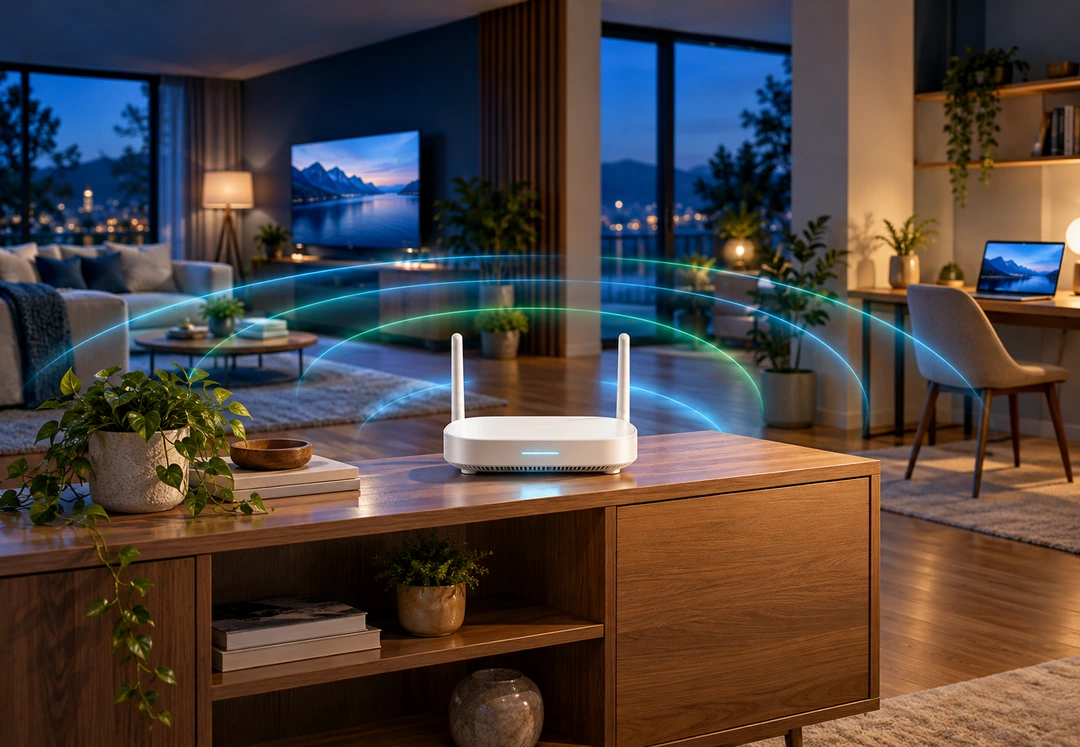
Fiber internet brings ultra-fast speeds to your doorstep, but your indoor hardware determines how much of that speed actually reaches your devices. Fiber delivers multi-gigabit data to your gateway in an instant. From there, Wi-Fi signals still have to travel through the air to your phones, laptops, and TVs. Where you put your router can make a big difference in your internet speed, coverage, and overall performance. Here are three places to avoid, and where to put it instead.
Why placement matters so much with fiber
Wi-Fi signals radiate outward from your router in a 360-degree pattern, like ripples spreading across a pond. Anything dense that sits in the way weakens the ripple. Concrete, brick, and stone walls, large metal appliances such as refrigerators, and even a big flat-screen television can block, reflect, or absorb the signal before it gets where it is going. With a slower connection, you might never notice. With fiber, poor placement creates a wireless bottleneck that wastes the speed you are paying for.
1. In a closet
It is tempting to tuck the router out of sight, but closets are one of the worst spots in the house. The walls, door, and shelves all sit between the router and your devices, and clothing absorbs signal too. A router in a closet will struggle to reach the rooms where you actually use the internet.
2. Near metal objects
Metal is the enemy of Wi-Fi. Filing cabinets, metal shelving, mirrors, refrigerators, and other large appliances interfere with or reflect wireless signals, reducing both coverage and speed. If your router sits on top of a metal cabinet or beside the refrigerator, the rest of the house is paying for it.
3. On the floor
Wi-Fi signals travel better sideways and upward than they do down through the floor. Placing your router on the floor pushes much of its signal into the ground and creates dead zones in the rest of the home. Get it up off the floor and the difference is often immediate.
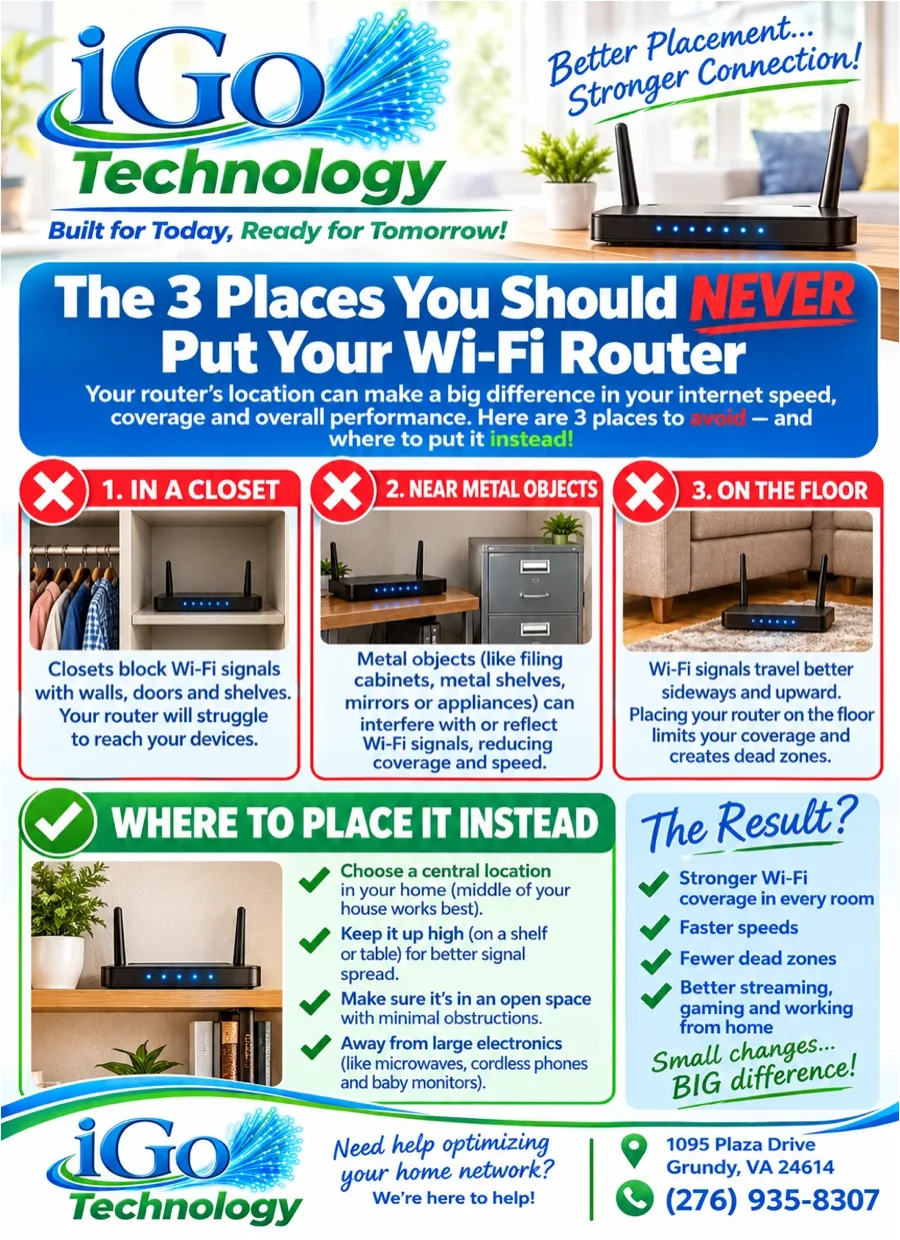
Where to place it instead
- Choose a central location — The middle of your home works best, so the signal spreads evenly to every room instead of spending half its reach outside a far wall.
- Keep it up high — A shelf, a table, or the top of a bookcase gives the signal a clear path across the room and up to the next floor.
- Make sure it is in an open space — Minimal obstructions mean fewer walls, doors, and cabinets for the signal to fight through.
- Keep it away from large electronics — Microwaves, cordless phones, and baby monitors can all interfere with Wi-Fi. Give the router some breathing room.
The result
- Stronger Wi-Fi coverage in every room.
- Faster speeds on every device.
- Fewer dead zones in bedrooms, basements, and porches.
- Better streaming, gaming, and working from home without buffering or dropped calls.
Small changes, big difference. Moving a router from a closet to a central shelf costs nothing and takes a few minutes, and it is often the single biggest improvement you can make to your home Wi-Fi.
Talk with your installer about your home
Every home is different. A single-story ranch, a two-story farmhouse with thick plaster walls, and a long home with a detached garage all need different setups. It is always best to discuss the layout and size of your home with your iGo installer so you get the right equipment to deliver full signal coverage and fast speeds throughout your property. In some homes that means a smarter spot for the router. In larger or multi-level homes it may mean an additional access point so every room gets the full benefit of your fiber connection.
Want to understand what each light and port on your router does? Read Know Your Wi-Fi Router. And with the free iGo Smart Home app, you can check which devices are connected and how strong their signal is from your phone.
Need help optimizing your home network? We are here to help. Contact us online or call (276) 935-8307. iGo Technology, 1095 Plaza Drive, Grundy, VA 24614. Built for today. Ready for tomorrow.