
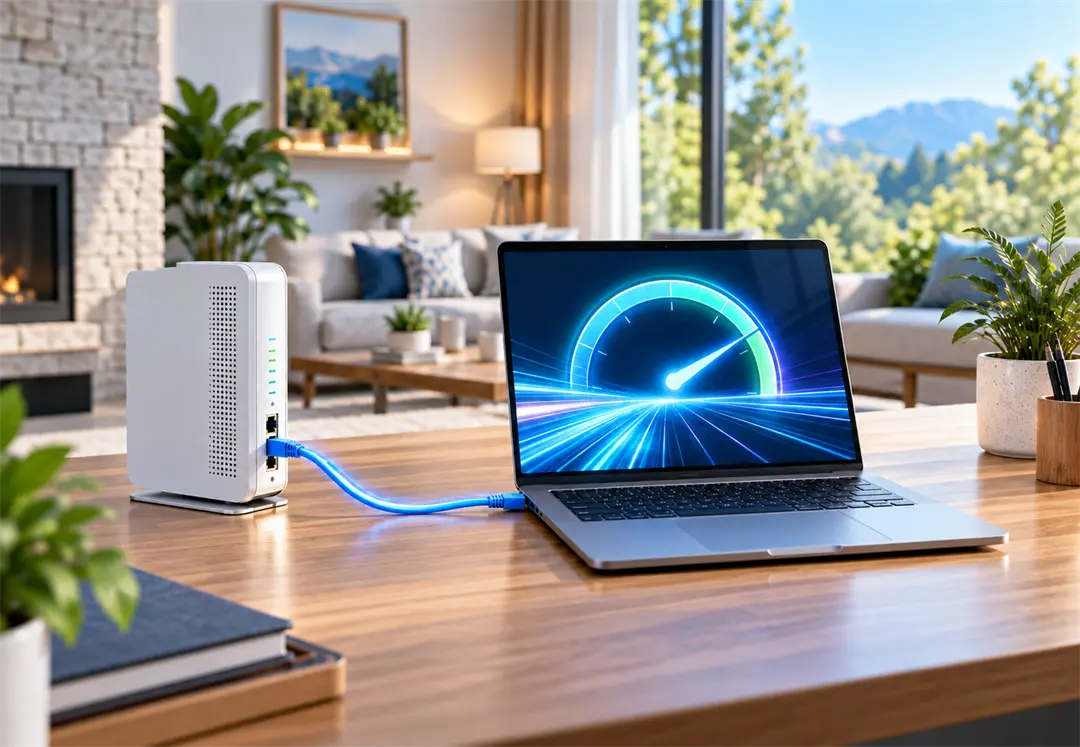
You pay for gigabit fiber, you open a speed test app on your phone, and the number comes back lower than you expected. Before you assume something is wrong with your service, it helps to understand what that phone test is actually measuring. In most cases, it is measuring your Wi-Fi and your phone, not the fiber connection coming into your home.
Why internet data matters
Knowing your true internet speed lets you accurately measure the data being delivered, troubleshoot slowdowns when they happen, and verify that your plan is performing the way it should. But a measurement is only useful if it is taken the right way.
Why Wi-Fi speed tests fall short
Wi-Fi is convenient, but it adds several weak points between your device and your fiber connection:
- Distance and walls — Signal strength drops with every room, floor, and wall between you and the router.
- Interference — Neighboring networks, microwaves, cordless phones, and Bluetooth devices all compete for the same airwaves.
- Shared bandwidth — Every phone, TV, and smart device on your Wi-Fi shares the same wireless capacity while your test runs.
- Device processing limits — Many phones and tablets simply cannot push a full gigabit through their Wi-Fi radio and processor. The app reports the ceiling of your device, not your connection.
For all of these reasons, a phone app frequently under-reports gigabit fiber even when the service is delivering every bit of what you pay for.
Hard wired: the direct fiber advantage
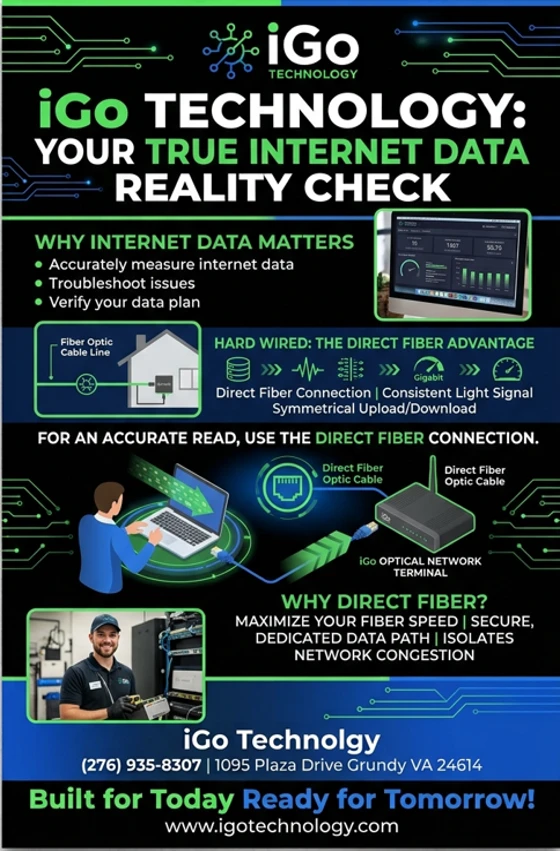
Fiber delivers a consistent light signal straight to the iGo Optical Network Terminal (ONT) in your home, with symmetrical upload and download speeds. The most accurate way to see that performance is to plug in and test directly from that dedicated path.
Running a hard-wired ethernet test isolates your true fiber internet capacity by removing Wi-Fi weak points, interference, and device processing limits that often keep phone apps from measuring gigabit speeds correctly. By running a hard-wired speed test, you get a true baseline of the actual speed being delivered to your home.
How to run a hard-wired speed test
- 1. Grab an ethernet cable — Use a Cat5e or newer cable. Older or damaged cables can limit speeds on their own.
- 2. Connect your computer to the ONT or router — Plug one end into the ethernet port on your laptop or desktop and the other into a LAN port on your iGo router, or directly into the ONT for the purest reading.
- 3. Turn off Wi-Fi on that computer — This makes sure the test runs over the cable and not the wireless connection.
- 4. Pause other traffic — Stop downloads, streaming, and cloud backups on other devices so they are not sharing the connection during the test.
- 5. Run the test — Use a trusted speed test site and run it two or three times. The results from this wired test are your true baseline.
Why direct fiber?
- Maximize your fiber speed — A wired connection lets your devices use the full capacity of your plan.
- Secure, dedicated data path — Your traffic travels over a physical cable that cannot be picked up over the air.
- Isolates network congestion — If the wired test is fast but Wi-Fi is slow, you know the fix is inside your home network, not your fiber service.
Need help getting a true read?
Our local team is happy to walk you through a hard-wired test or take a look at your home network. Stop by 1095 Plaza Drive in Grundy, call (276) 935-8307, or contact us online. You can also follow us on Facebook for more tips.