

A few simple security checks can help give you peace of mind that your devices, data, and accounts are safe. Doing a quick monthly security check on your home Wi-Fi protects your private data and stops unauthorized users from stealing your internet.
Today's homes are full of connected devices: smart TVs, security cameras, video doorbells, thermostats, speakers, gaming consoles, and the phones, tablets, and computers you use every day. Each one is a doorway into your home network. Spending about ten minutes a month keeping those doorways locked goes a long way toward protecting your family, your personal information, and your privacy.
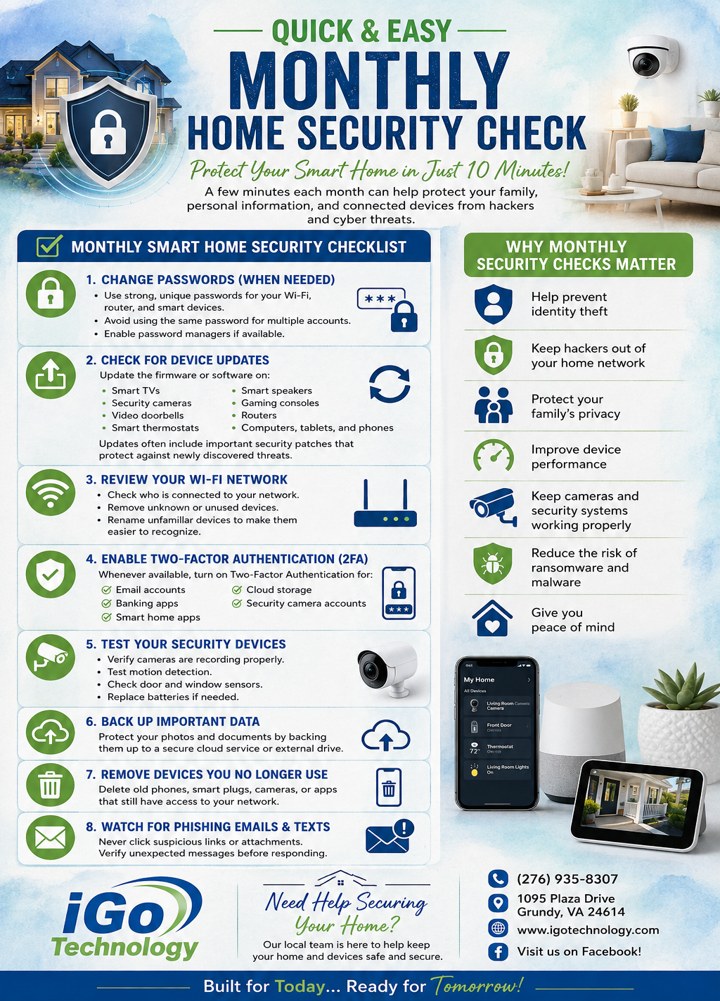
Your monthly smart home security checklist
- 1. Change passwords (when needed) — Use strong, unique passwords for your Wi-Fi, router, and smart devices. Avoid reusing the same password across accounts, and change your network password if you suspect anyone outside your home knows it. A password manager can make this easy.
- 2. Check for device updates — Update the firmware or software on smart TVs, security cameras, video doorbells, smart thermostats, smart speakers, gaming consoles, routers, and your computers, tablets, and phones. Updates often include important security patches that protect against newly discovered threats.
- 3. Review your Wi-Fi network — Look at the list of devices connected to your network and spot any unfamiliar phones or computers. Remove unknown or unused devices, and rename the ones you keep so they are easier to recognize next time. Set up a separate guest network so visitors cannot see your main devices.
- 4. Enable two-factor authentication (2FA) — Whenever it is available, turn on two-factor authentication for email accounts, banking apps, smart home apps, cloud storage, and security camera accounts.
- 5. Test your security devices — Verify cameras are recording properly, test motion detection, check door and window sensors, and replace batteries as needed.
- 6. Back up important data — Protect your photos and documents by backing them up to a secure cloud service or an external drive.
- 7. Remove devices you no longer use — Delete old phones, smart plugs, cameras, or apps that still have access to your network or accounts.
- 8. Watch for phishing emails and texts — Never click suspicious links or attachments, and verify unexpected messages before responding.
Why monthly security checks matter
A regular routine helps prevent identity theft, keeps hackers out of your home network, and protects your family's privacy. It also improves device performance, keeps cameras and security systems working properly, reduces the risk of ransomware and malware, and, most of all, gives you peace of mind.
Need help securing your home?
Our local team is here to help keep your home and devices safe and secure. Stop by 1095 Plaza Drive in Grundy, call (276) 935-8307, or contact us online. You can also visit us on Facebook for more tips.