
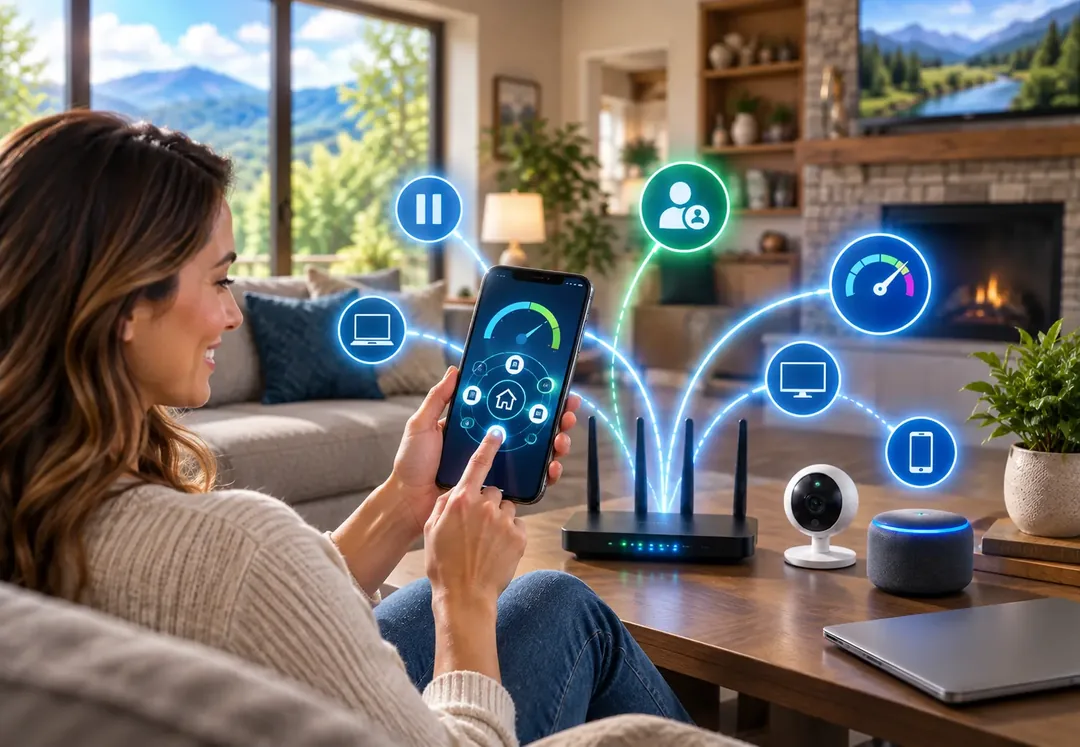
CommandIQ and ProtectIQ are important home network tools because they give you total control over your Wi-Fi, block cyber threats, and keep your family safe from online dangers. Both apps come with select iGo Technology home internet plans and work right from your phone, so managing and securing your home network takes minutes instead of a call to tech support.

Benefits of CommandIQ
CommandIQ is your home network command center. Everything connected to your Wi-Fi shows up in one simple app, along with the tools you need to manage it.
- Easy management — See every device on your network from a simple phone app.
- Parental controls — Pause internet access for kids' devices during dinner or bedtime.
- Guest network — Set up a separate Wi-Fi name for visitors so your main data stays safe.
- Speed tests — Check your internet speed right from your phone to make sure you get what you pay for.
Benefits of ProtectIQ
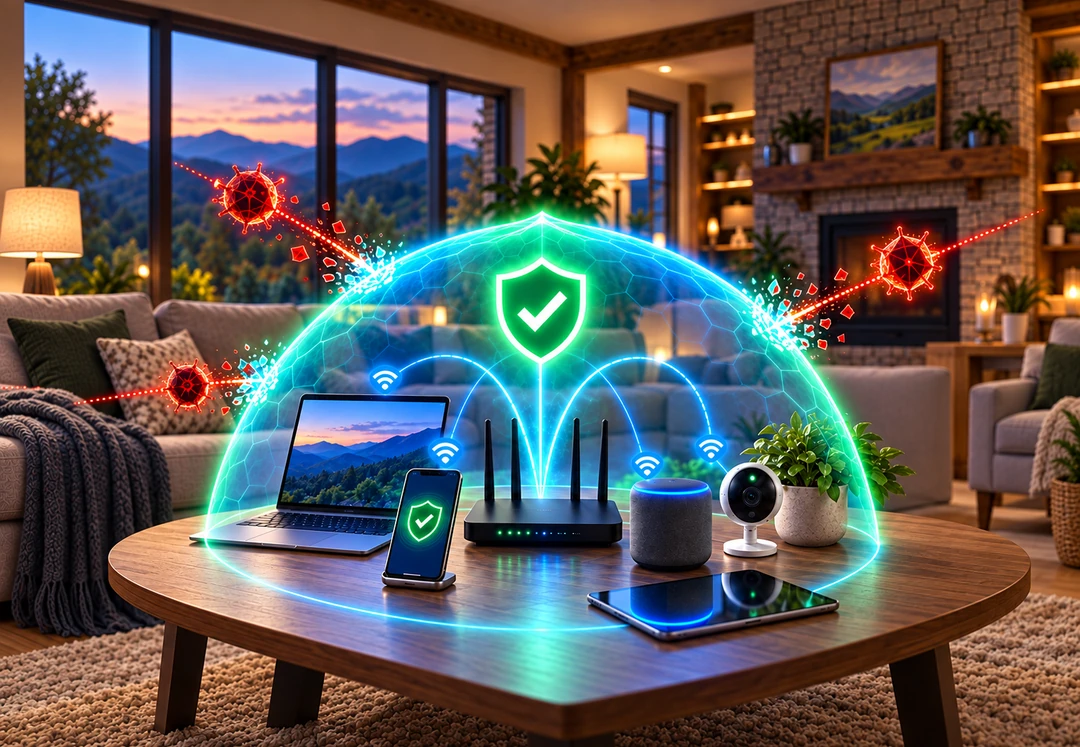
ProtectIQ works quietly in the background at the router level, watching the traffic coming into your home and stopping threats before they ever reach your devices.
- Malware blocking — Stop harmful viruses and malware before they reach your computers or phones.
- Network security — Block hackers from breaking into your smart home gear.
- Safe browsing — Keep family members away from dangerous or scam websites automatically.
- Real-time alerts — Get instant warnings on your phone if a device tries to do something unsafe.
Common router virus symptoms
Routers can be infected just like computers and phones. If you notice any of these signs, it may be time to take action:
- High network traffic or bandwidth usage
- Unusual browser redirects
- Network slowdowns
- Inability to access the router admin page
- Router settings changed without authorization
- Unfamiliar devices on your network
- Malicious pop-ups
Four steps to protect your home network
- 1. Reboot and reset — Restart your router, and if problems continue, reset it to factory settings and set it up fresh.
- 2. Protect your devices — Set a strong admin password, enable a guest network, and disconnect devices you no longer use.
- 3. Secure router access — Disable remote management and make sure your router firmware is up to date.
- 4. Use network security tools — Turn on CommandIQ and ProtectIQ so you can see every device and block threats automatically.
Get started today
CommandIQ and ProtectIQ are included with our Connected Home, Smart Home, and Tech Powerhouse plans. Download the CommandIQ app from the App Store or Google Play, sign in, and you are ready to go. Need a hand getting set up? Stop by 1095 Plaza Drive in Grundy, call (276) 935-8307, or contact us online. Our local team offers 24/7 customer support. You can also follow us on Facebook for more tips.